

Rental management for car hire
Reserve exact vehicles, snapshot price and terms, and record pickup, fuel, mileage, condition and return. See the workflow and setup.
Booking + Rental · Cyprus
Turn availability into confirmed work without stitching together calendars, spreadsheets and chat threads.
Built in Cyprus for the teams that answer the phone, hand over the keys and take the booking.

One operational view
Your customer's side
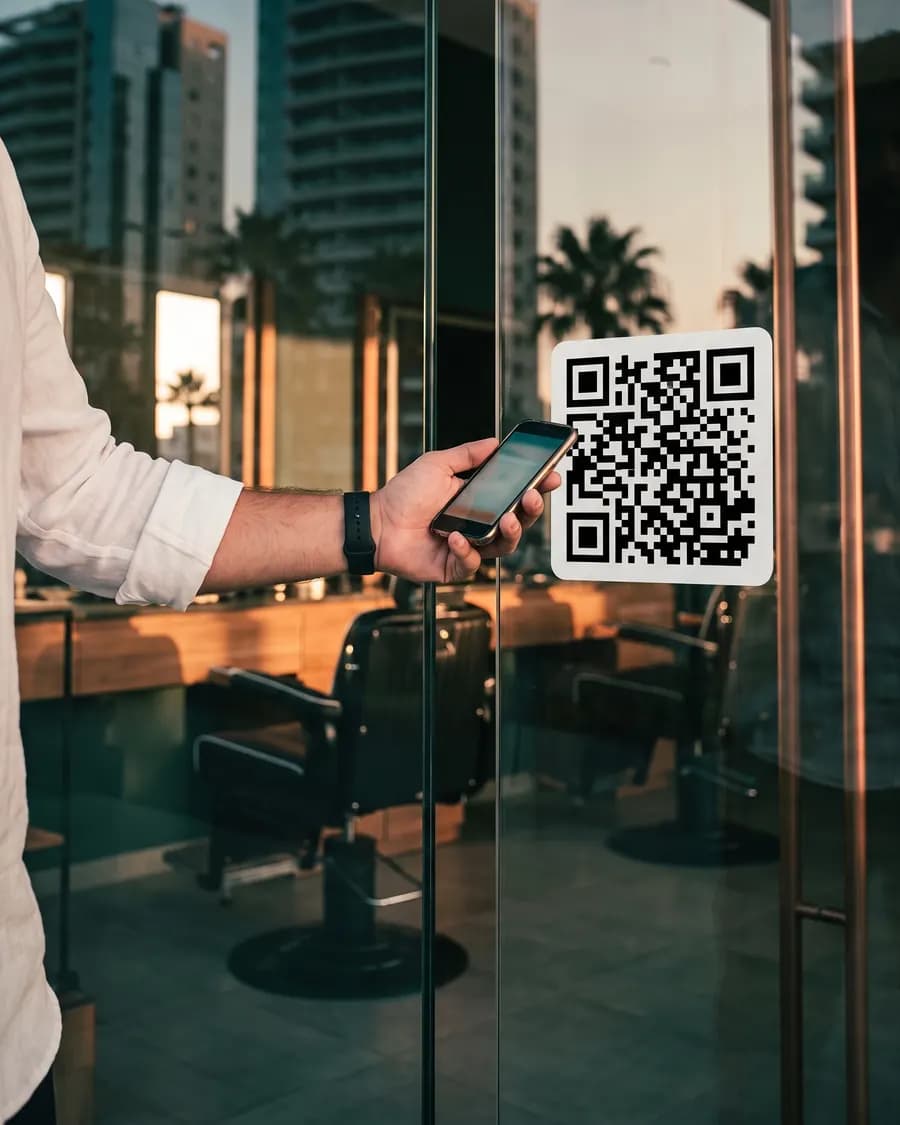
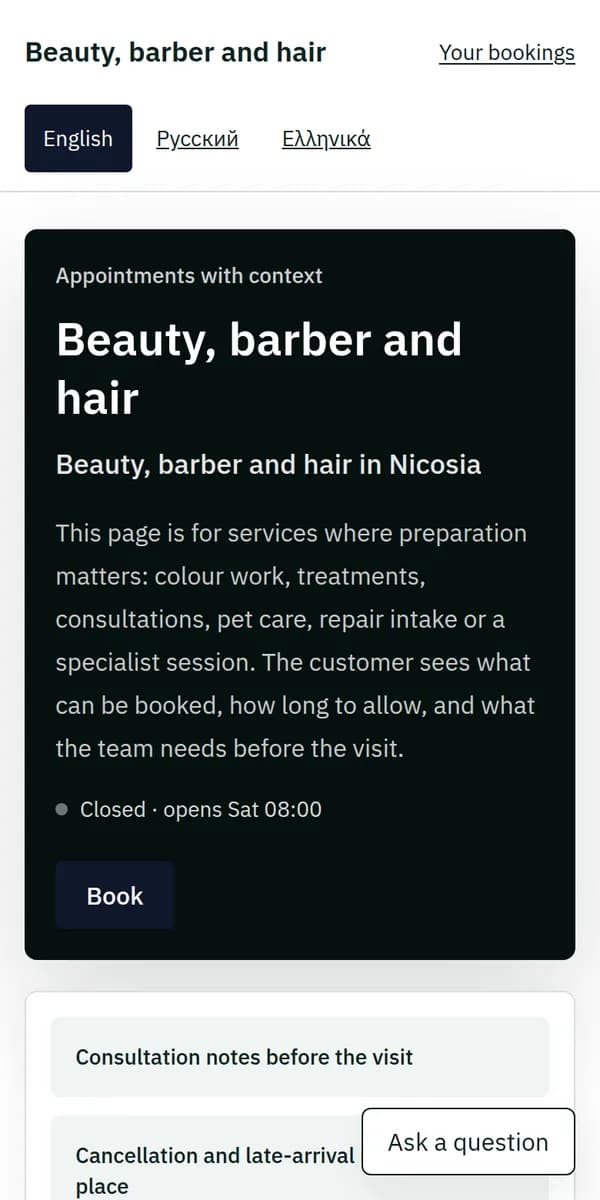
01The QR code on the door

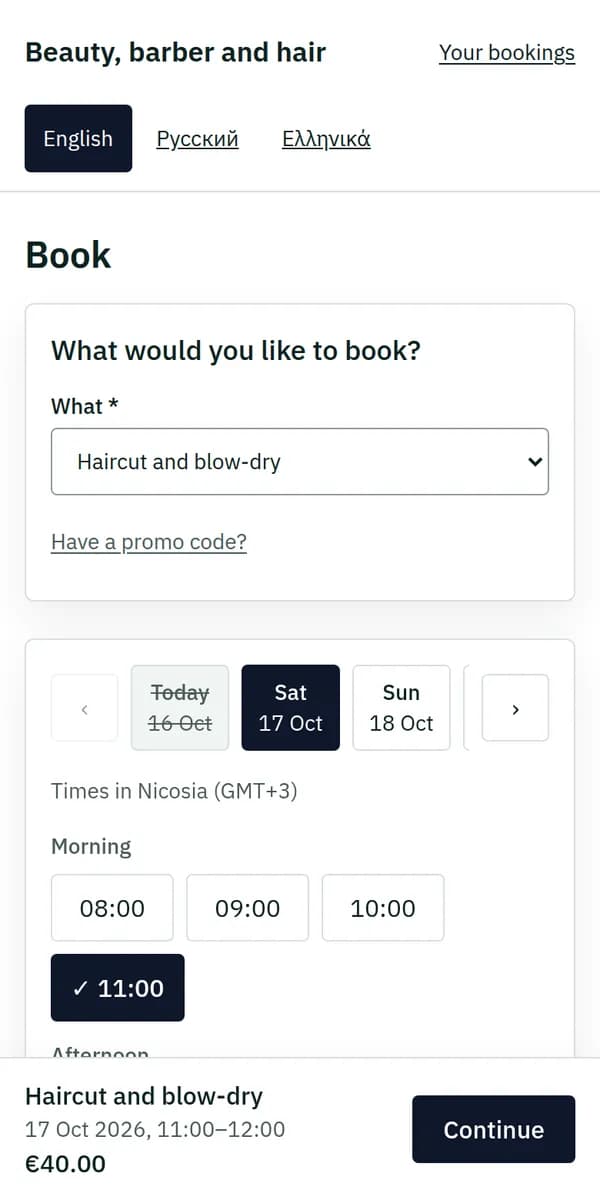
02A free time, one tap

Tomorrow: Haircut and blow-dry — Beauty, barber and hair
Coming? Let us know with one tap.
03A reminder the day before

How was Haircut and blow-dry? — Beauty, barber and hair
04In the chair, on time
The phones show a real booking page; the photographs are illustrations.
Six trades on one core. What the console is doing while the work happens.

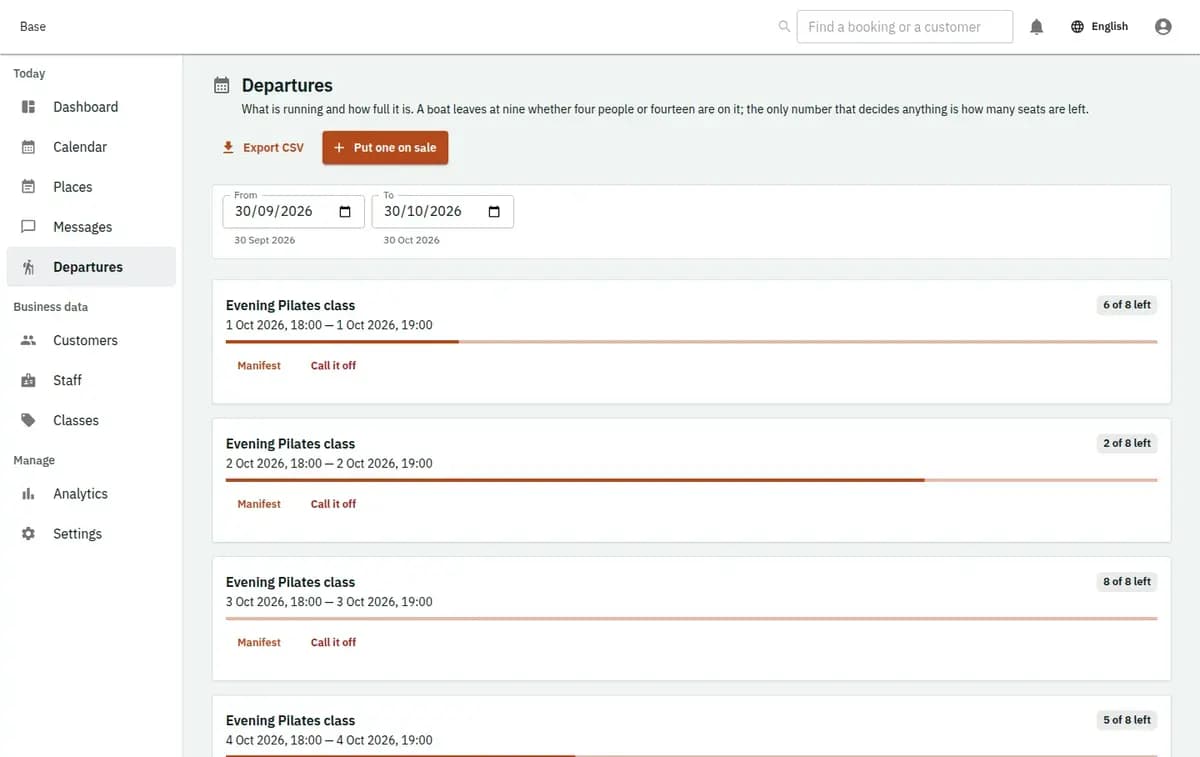
The first pickup is already on the board: which scooter, whose licence, and what is still owed on it.

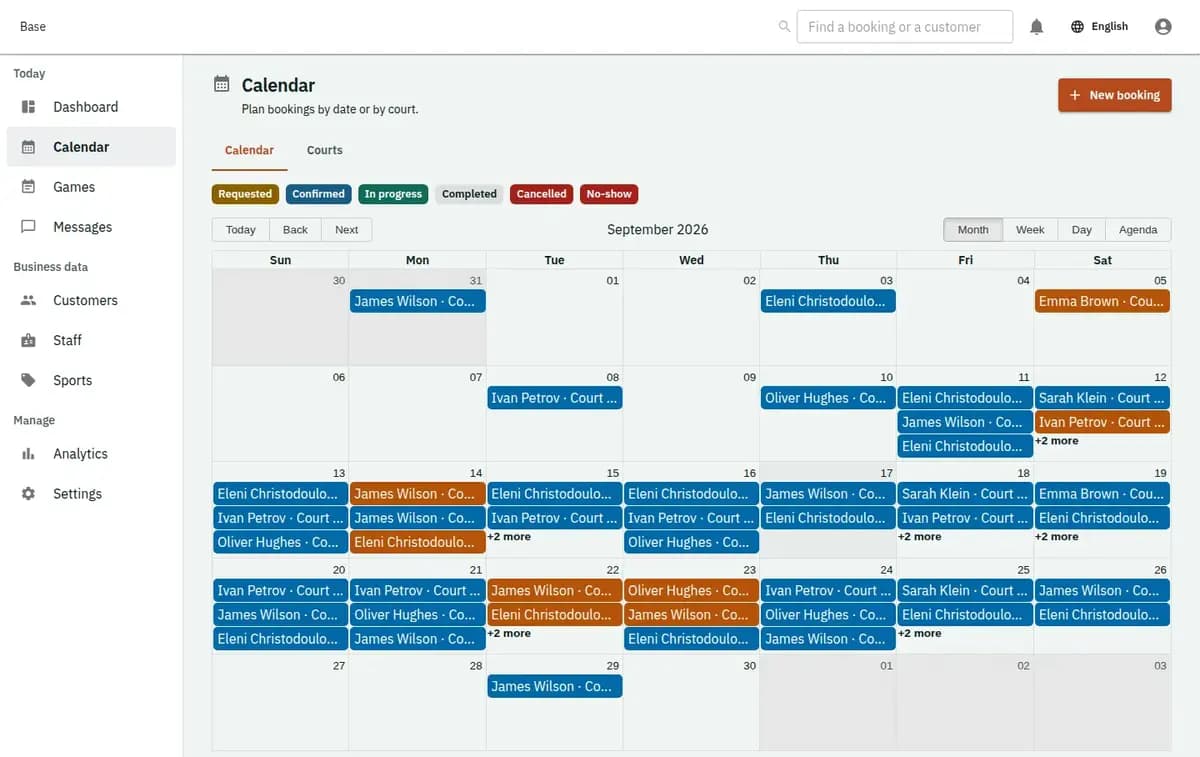
A customer takes the four o'clock on your booking page while the groomer works. The slot is gone for everyone else, and nobody had to answer the phone.

Eleven are sold. The twelfth is sold once, not twice, however many people try at the same moment.

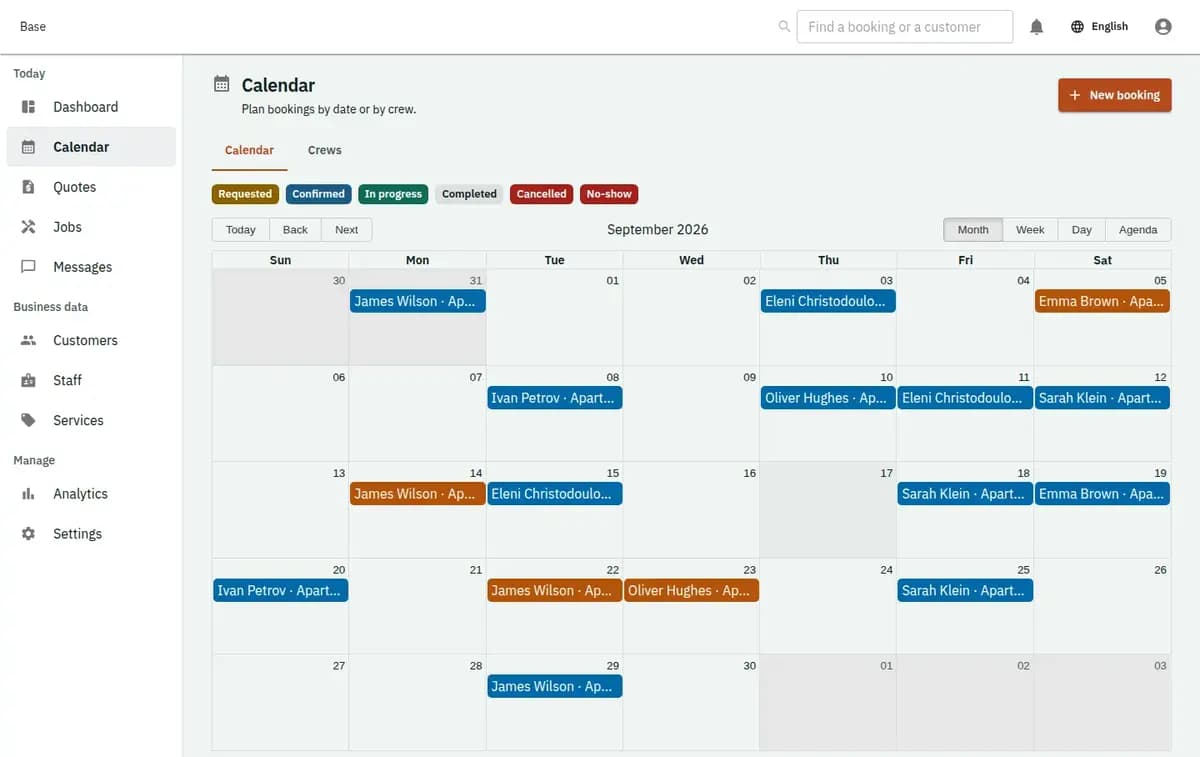
The job has an address, a time window and the person sent. When they finish, the record says what was done.

Capacity belongs to the session, so the next family is told it is full rather than squeezed in.
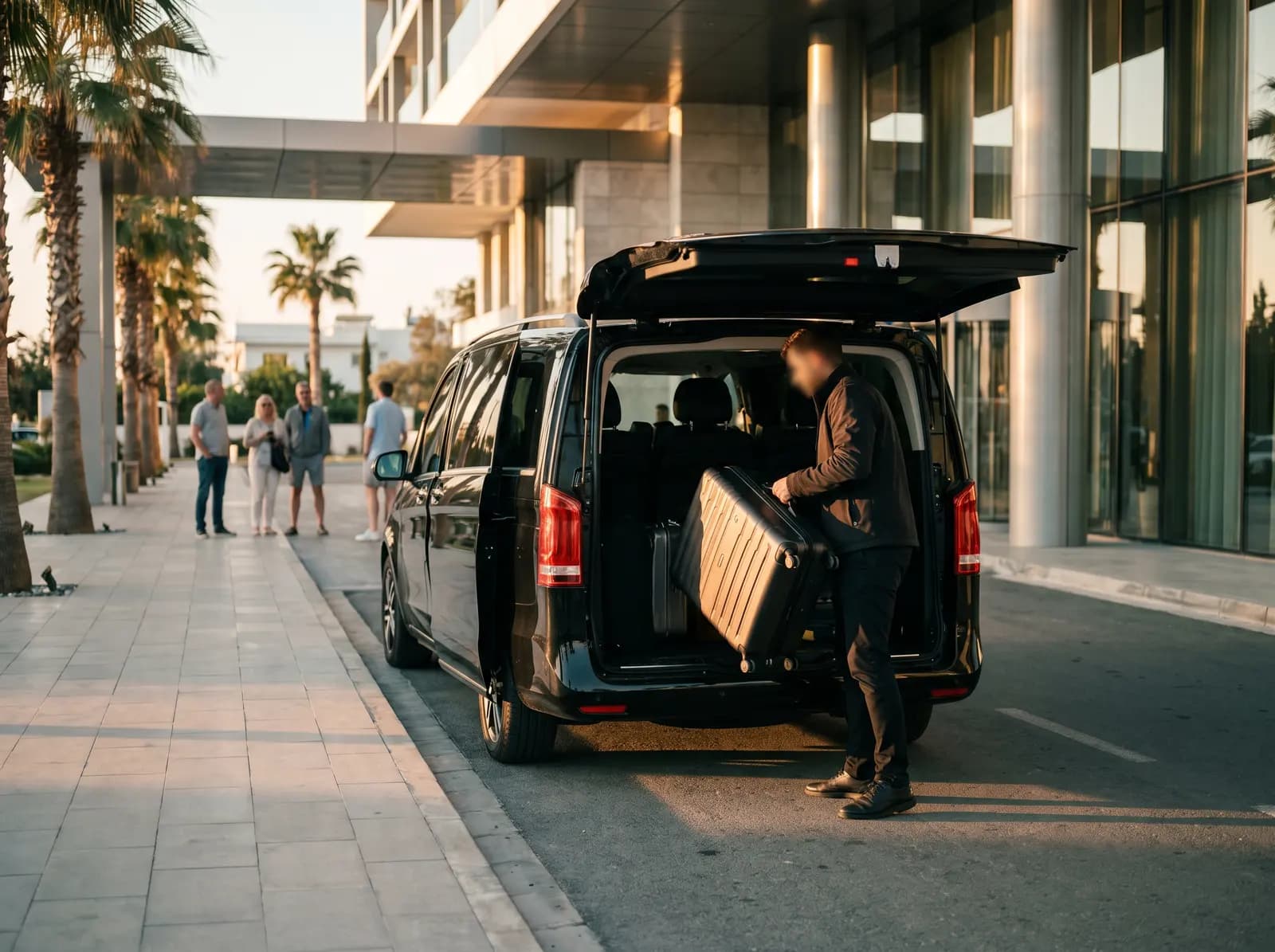
It comes in at nine and waits as a request, not a promise, until someone on the team confirms it.
One screen for the day, one for the calendar, one for the money. The records in them are made up; the platform is not.
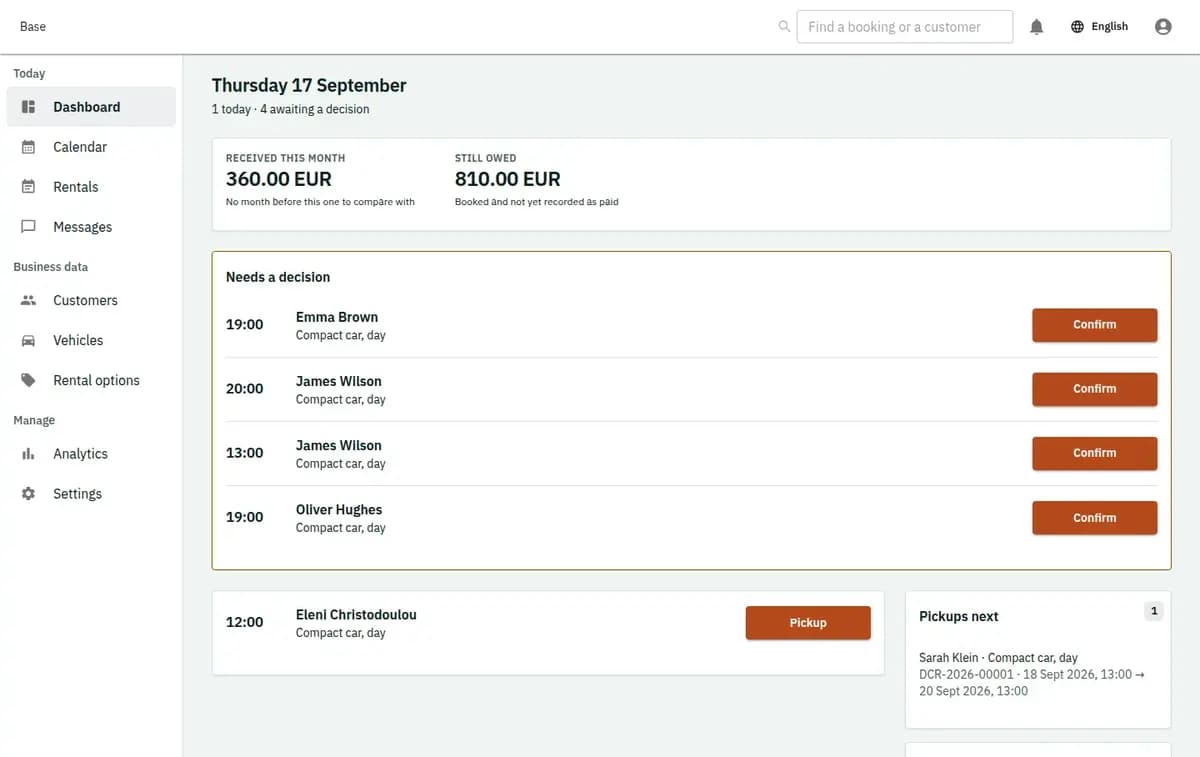
What is booked today, by person and by thing, with what still needs doing.
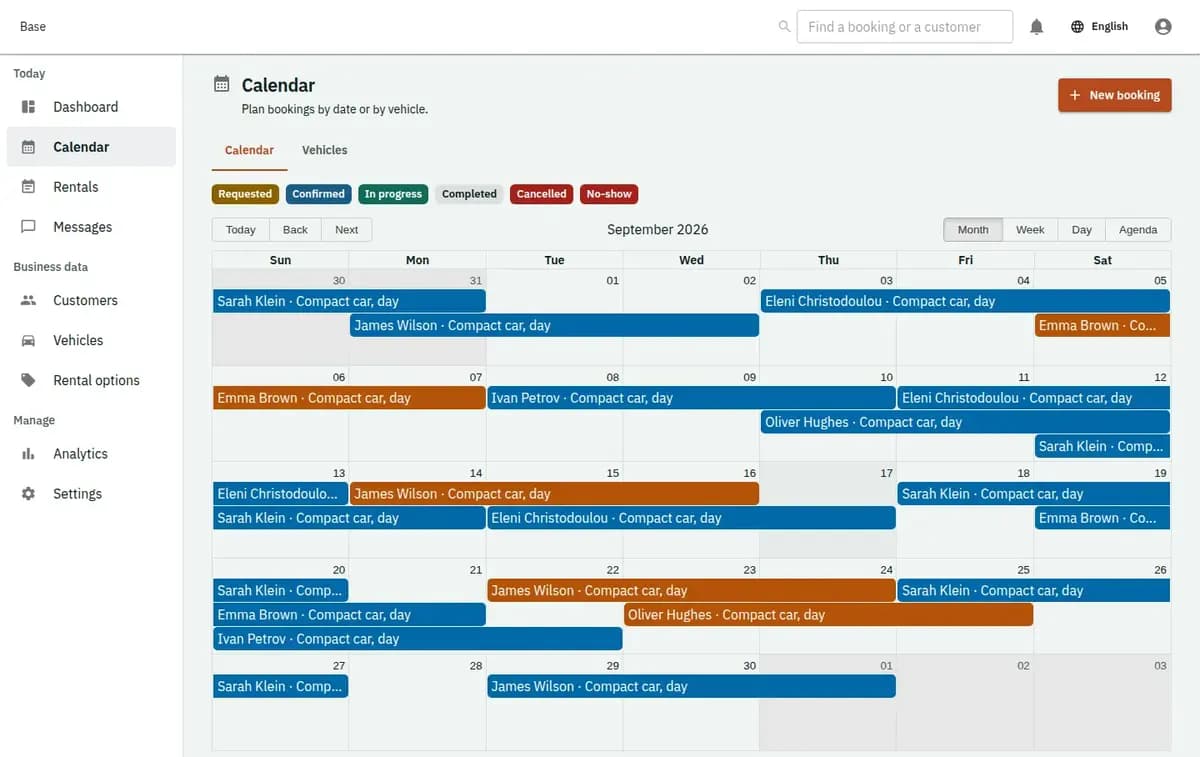
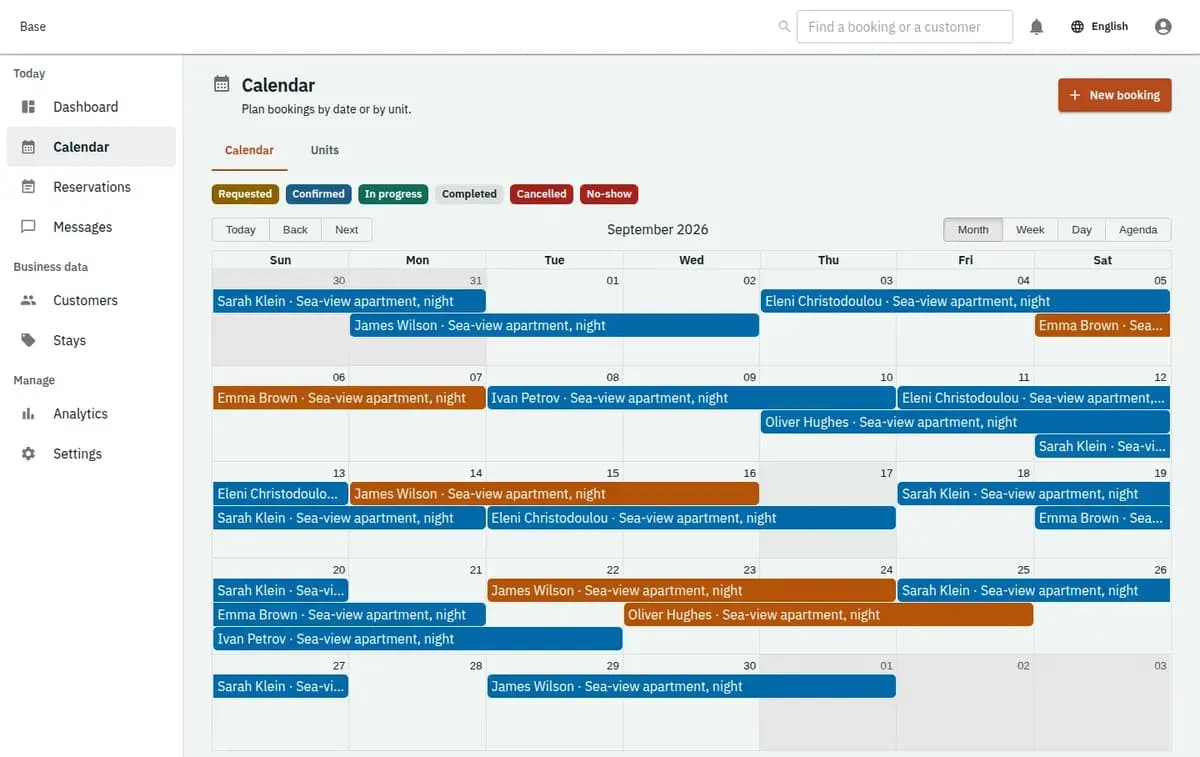
Hours, days and date ranges in one grid. Move a booking and the resource moves with it.
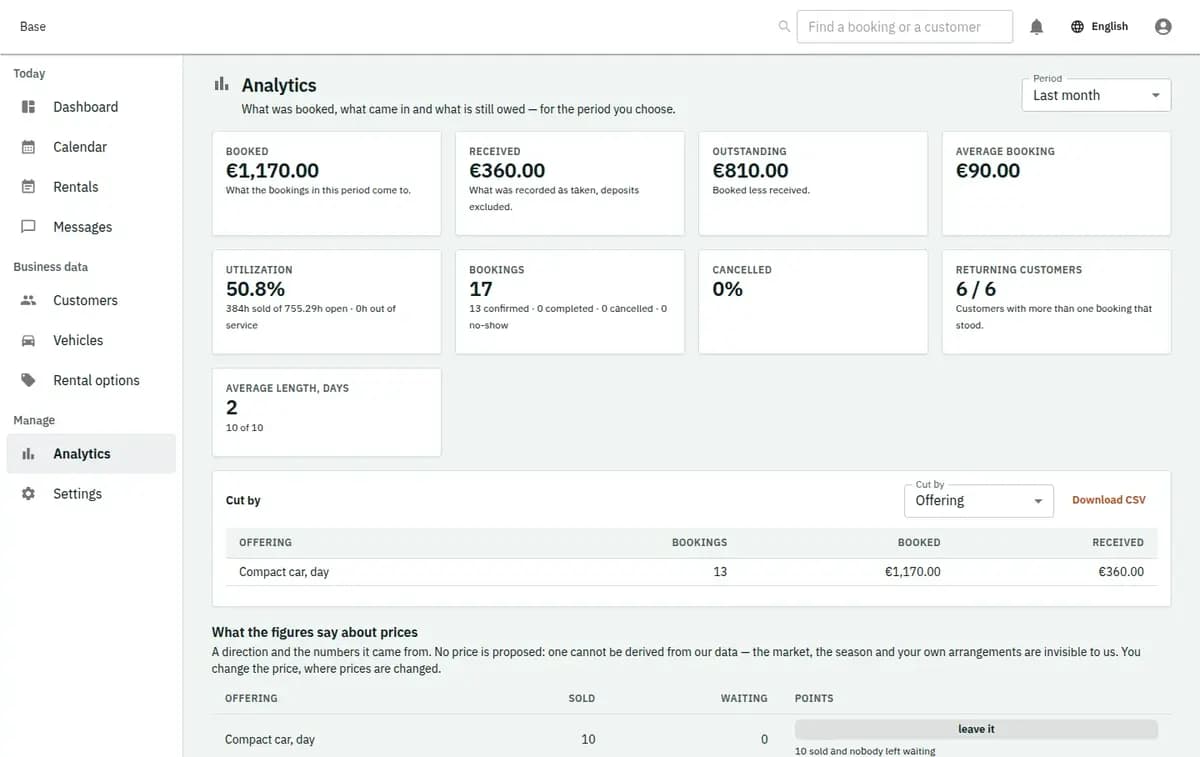
Booked value and money received, kept apart, and both exportable.
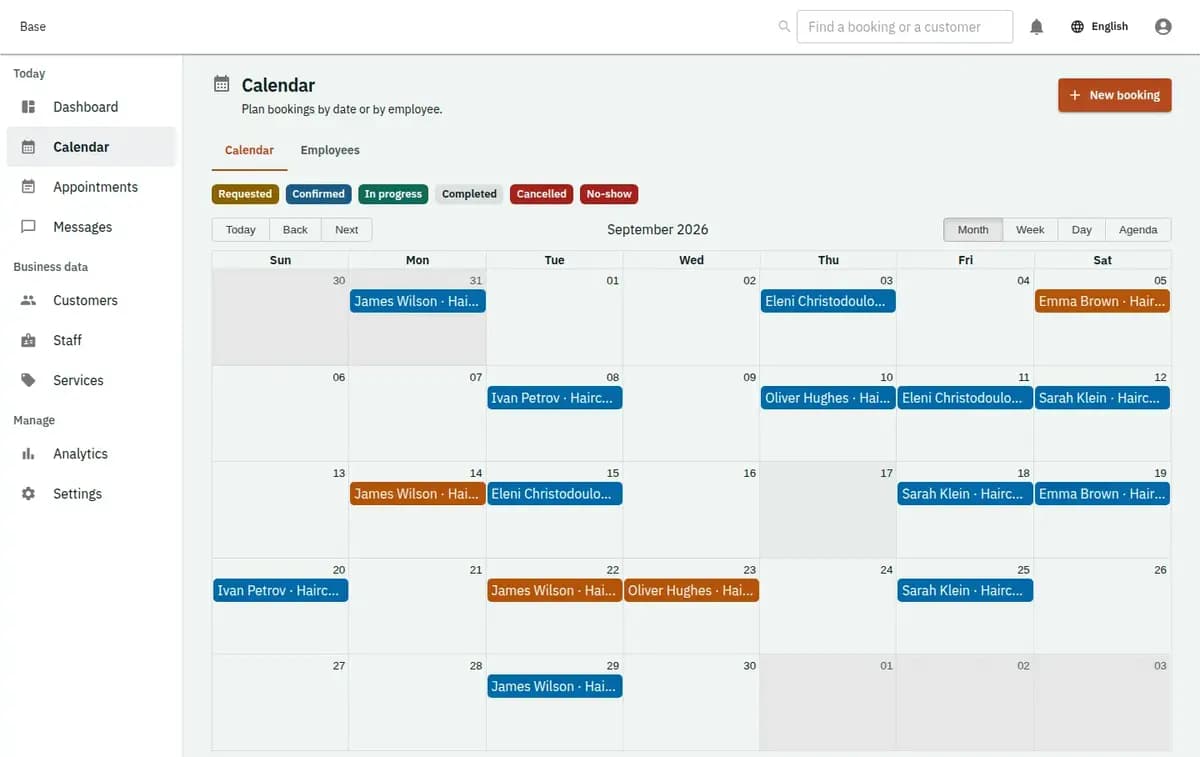
A real console. The records in it are invented.
One operating platform, configured around what customers book and how your team delivers it.
 Explore
 Explore
 ExploreExplore
 Explore
 Explore
Limassol · Cyprus
Local context, international product standards.
See what is free, what needs attention and what happens next — across locations, staff and resources.
Choose the operating model that fits today. Add locations, staff, resources and new services without rebuilding the workflow.
Reserve exact vehicles, snapshot price and terms, and record pickup, fuel, mileage, condition and return. See the workflow and setup.

Schedule intake, quotes, jobs and handback for Cyprus garages without claiming stock, accounting or payments. See the workflow and setup.

Online booking for salons, barbers and beauty studios with staff skills, rooms, buffers and no-show handling. See the workflow and setup.

Protect bicycle and e-bike stock by size, category and period without overselling the last unit. See the workflow and setup.

Schedule departures with seats, vessel, crew, equipment sizes, check-in and staff-led weather cancellation. See the workflow and setup.

Qualify addresses, version quotes, schedule crews and keep completion evidence for one-off or repeat visits. See the workflow and setup.

Allocate counted stock for a period with duration pricing, fulfilment, return and insufficient-stock refusal. See the workflow and setup.

Manage finite class series with instructor, room, hard capacity, attendance and conflict reporting. See the workflow and setup.
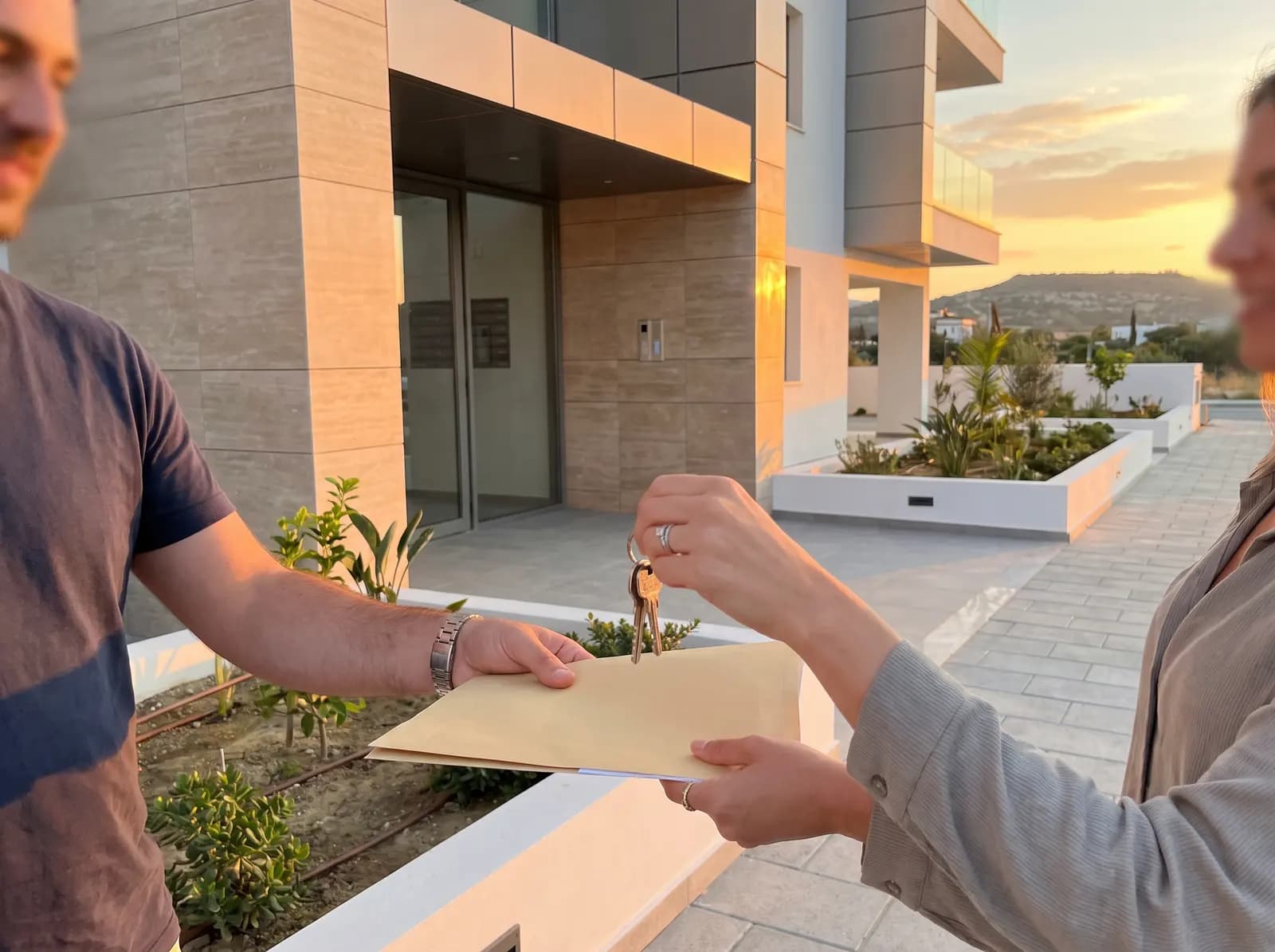
Track tenancy contracts, obligations, move-in/out evidence, renewals and arrears without accounting scope. See the workflow and setup.

Reserve therapist and room together with treatment length, turnover buffers, notes and no-show handling. See the workflow and setup.

Turn faults into estimates, accepted jobs, qualified visits, evidence and warranty returns. See the workflow and setup.

Manage small-school sessions, teacher and room capacity, attendance and optional package balance. See the workflow and setup.

Direct booking for named stays with occupancy, price snapshot, registration, iCal blocks and turnover visibility. See the workflow and setup.

Sell seats on scheduled departures with guide, vehicle, pickup choice, manifest and staff-led cancellation. See the workflow and setup.

Book private lessons with tutor skill, subject, level, room or virtual capacity and reschedule handling. See the workflow and setup.
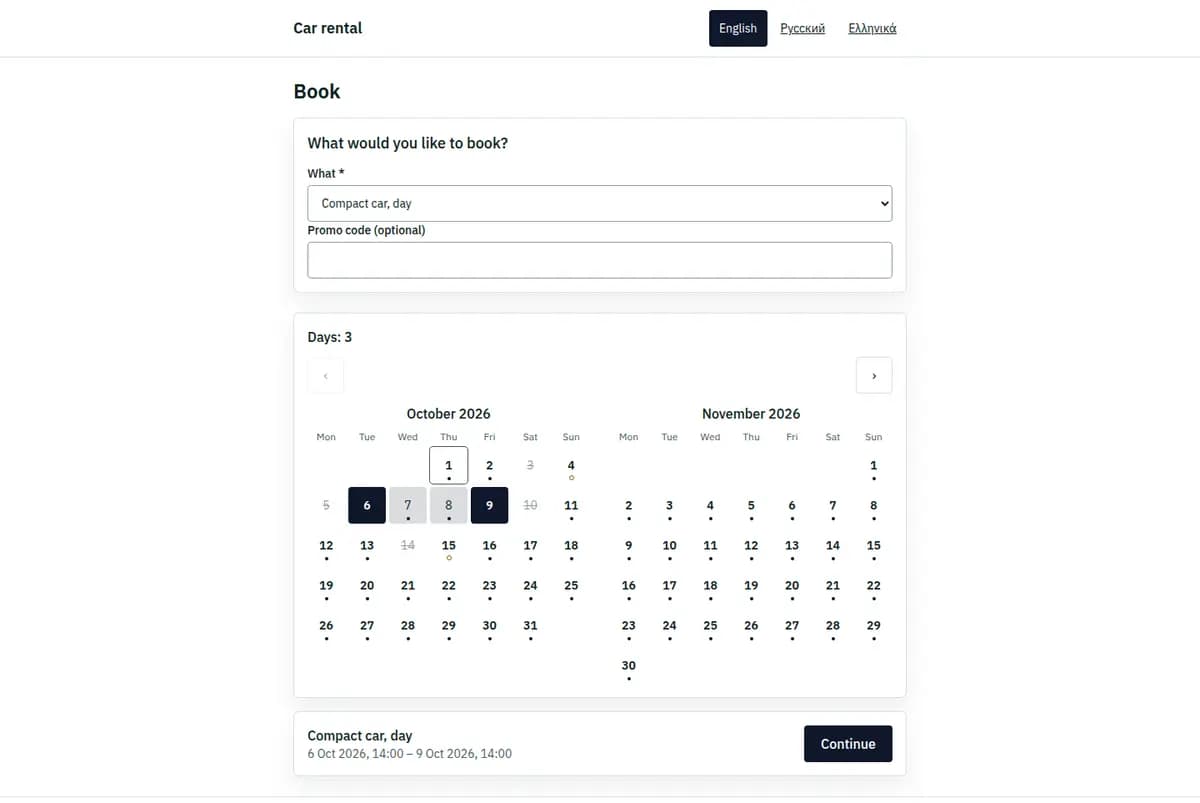
Present bookable choices, availability and policies on a focused page connected to operations.
ExploreBring time, date ranges and capacity into one operational view.
ExploreConnect each booking to the people and resources that make it possible.
Explore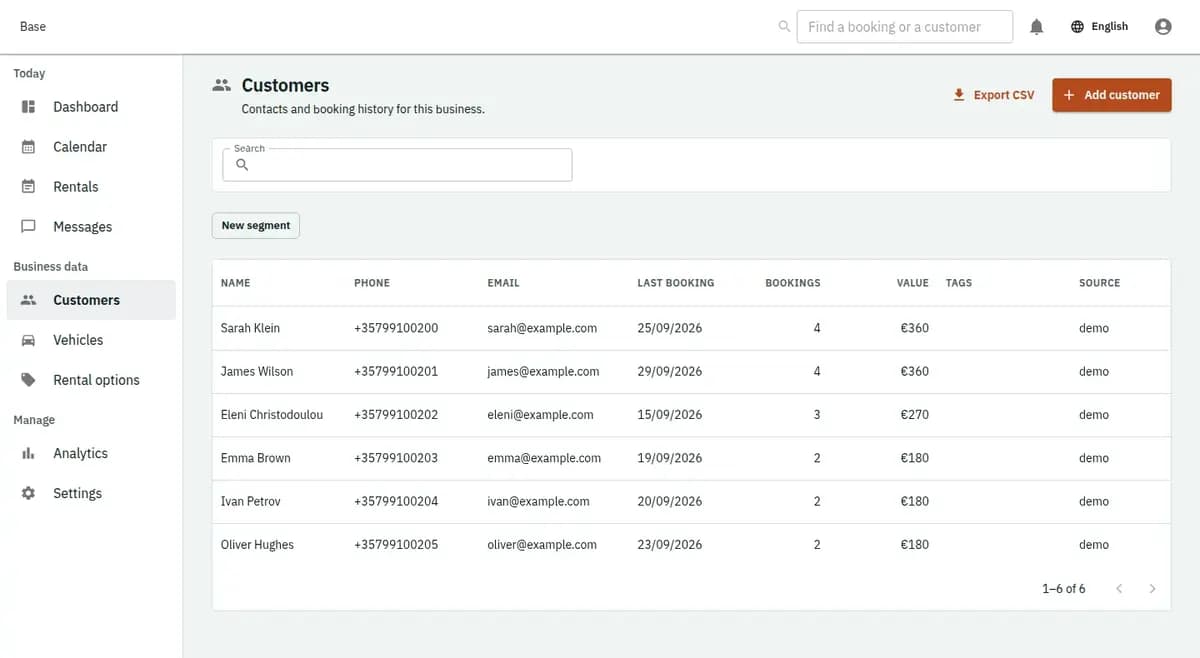
Use a shared customer record across requests, bookings and follow-up.
Explore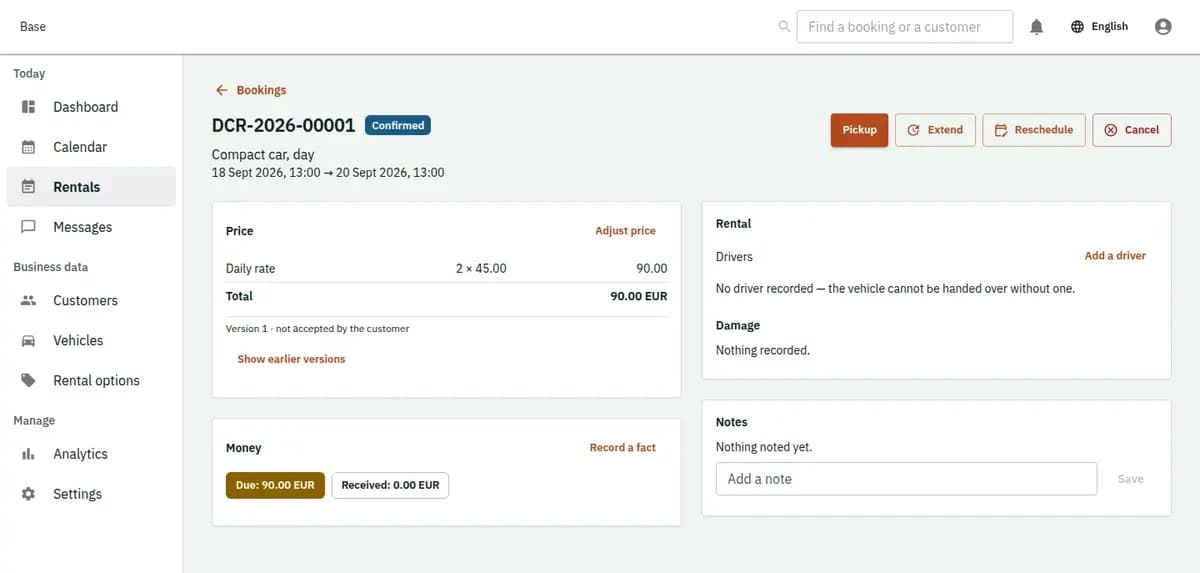
Prepare the item, record what leaves and close the rental with return evidence.
ExploreKeep the commercial structure beside the booking while money remains between business and customer.
ExploreOnly what works today is on this list. Two more are built and switch on at launch — they are listed separately, not mixed in.
Booking widget
Booking on your own website from a few lines of code, in your colours.
Calendar feeds
Subscribe to your bookings from Google Calendar, Outlook or Apple Calendar. The calendar shows; the platform decides.
Webhooks and API
Every booking event sent to your own system, with a delivery log and retries, and an API with keys you can limit to reading.
CSV in and out
Customers, vehicles, services and bookings in from a spreadsheet; everything out, money included, in a shape your accountant opens.
Telegram
Alerts for your team and a mini app for the counter. Built; it waits for our bot to be switched on.
Google and Microsoft calendars, both ways
Built; waiting for Google and Microsoft to approve our app.
After the button
Registration asks for an email address and a password. Everything below happens in the console afterwards, in the order the setup wizard asks for it.

Email, password, the name of the business and the timezone it works in. Nothing is charged and nothing is published yet.
One service or one rentable item is enough to continue with, and a weekly schedule with the days you are closed.
The staff, rooms, vehicles or equipment a booking occupies. Availability is worked out from these, so nothing can be sold twice.
Your booking page goes live at its own address. Book on it yourself, confirm it in the console, and you have seen the whole loop.
Payments, deposits, documents and notifications are configured later, when you need them — none of them stands between you and the first booking.
Every business starts on the Free plan. Paid plans add more when you need it, and you pay only if you choose one — nothing starts charging on its own. The units below are what a paid plan is counted from.
ExploreThis is what a business pays the platform. Money between you and your customer never passes through here: no card fields, no gateway, no payouts. Your customer settles with you the way they already do — cash, your own card terminal, a bank transfer — and the console records the fact: what was taken, what is still owed, and how much of a deposit you are still holding.
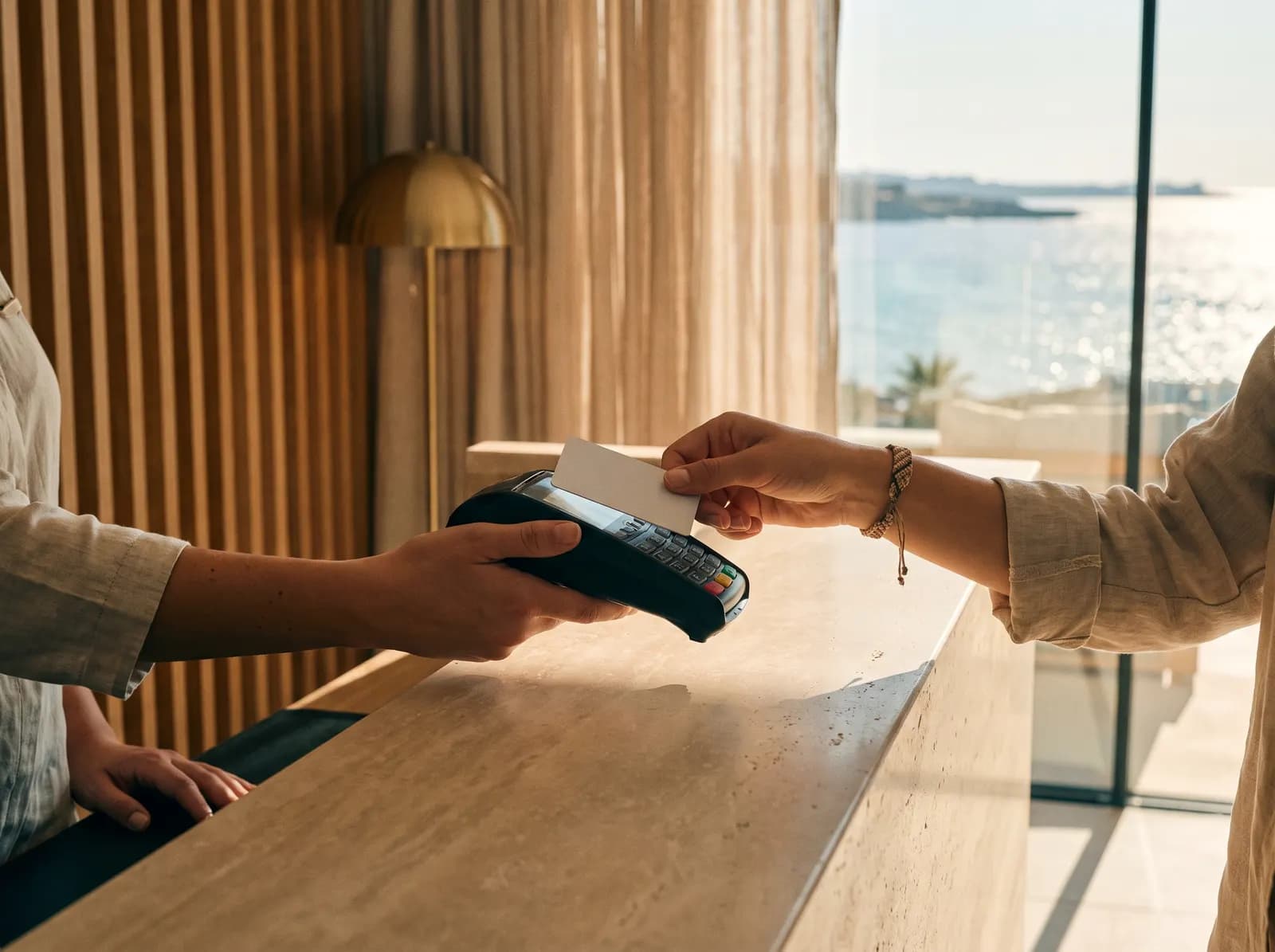
The customer pays you, the way they already pay you. The platform records what was received and what is still owed; it does not take payments, hold them, or sit between you and your customer.
Yours. Their contact details belong to your business, they are not shared with other businesses on the platform, and they are not used to market anything to them.
You take everything with you: customers, bookings, money records, terms and documents, as one export of line-by-line JSON plus the files themselves. It is a button in the console, not a support request.
Your staff, with the permissions you give them. Contact details, licence numbers and second-factor secrets are encrypted with a key held per business, so a stolen database is a file of ciphertext rather than a customer list.
No. They book on your page and confirm by email. If they want to look their booking up later, they get a link by email rather than a password to remember.
One of them gets it. The other is told the slot is no longer available rather than being confirmed into a clash — the database itself refuses the overlap, not a check that might be skipped under load.
Yes, and most businesses do. A booking entered by your staff and one made on your page are the same booking, in the same calendar, under the same availability.
From three things: one subscription per business, the staff accounts that sign in, and the modules you switch on. Not from how many bookings you take and never a share of what your customers pay you.
Not in the stores yet. The console and your booking page work in any phone browser today, and the counter has a Telegram mini app. A phone app for owners and staff is built — it also carries the customer's side: finding a business, booking and their own cabinet — and it is on its way to the App Store and Google Play. This answer will change on the day it is there, not before.

Next step
Start with one booking engine and keep the same operational core as the business grows.