Field service scheduling

Plumbing software and HVAC software for call-outs and servicing

  • HVAC software for installs and seasonal servicing
  • Service contracts become a finite list of real visits
  • Technician, skill, certificate and van checked together

No card asked for · nothing taken from a booking · your data exports

Operating model
Field service scheduling
What is booked
Service → Address → Team
Getting started
Job types and honest durations to list first

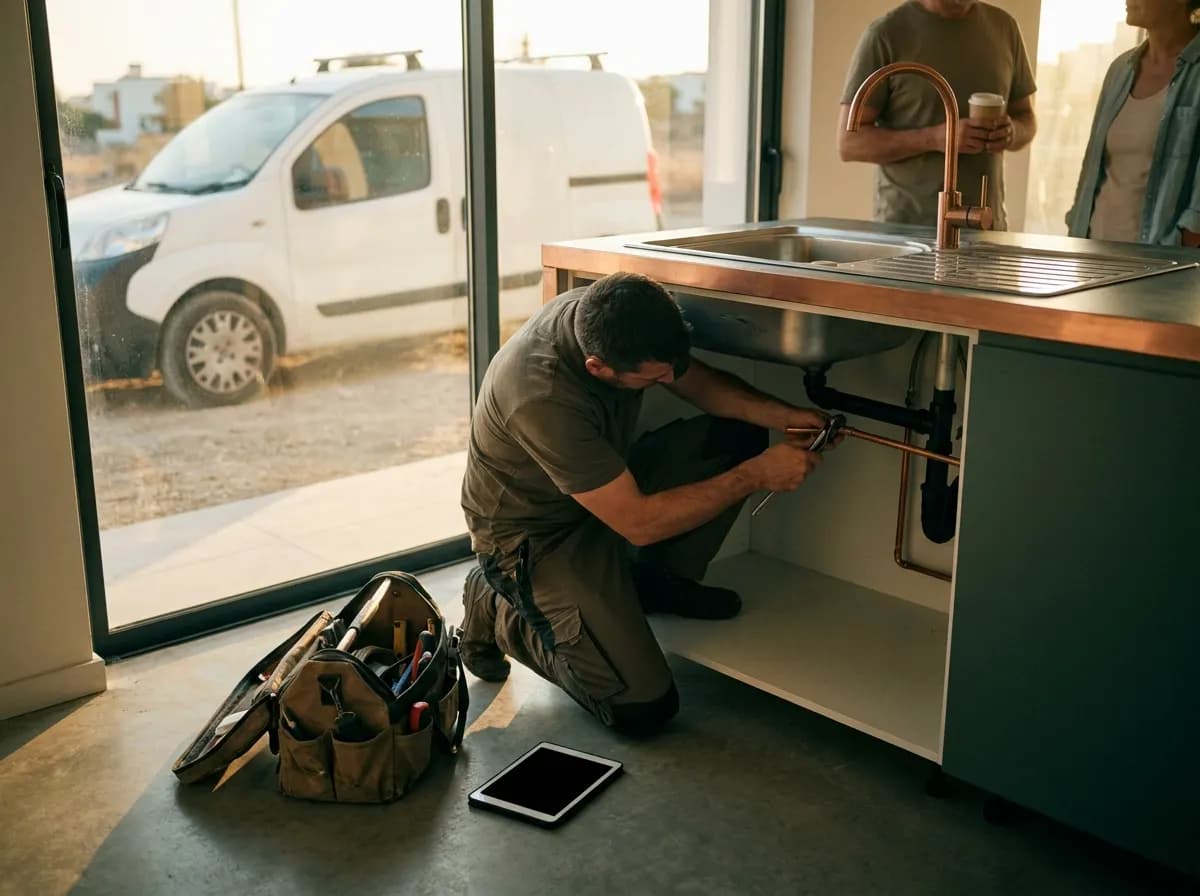
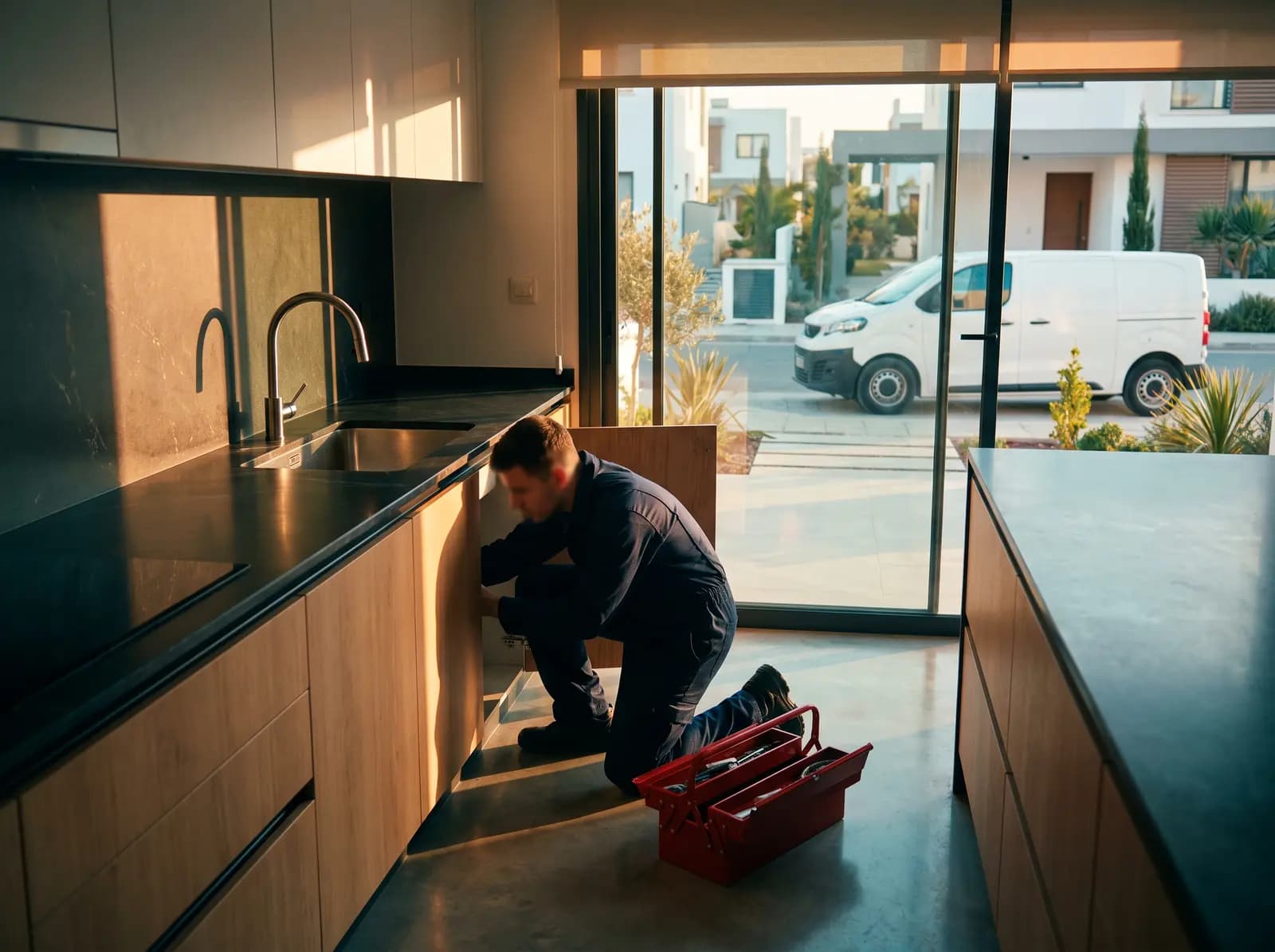
Base helps a small Cyprus plumbing or air-conditioning business run four kinds of work from one calendar: the emergency call-out that has to fit around a full day, the spring rush of A/C servicing before the heat arrives, the installation that needs a site survey and an accepted quote first, and the service contract that brings the same units back every year. A visit is confirmed only when a technician with the right skill, and the van or tools the job needs, is free for the whole window with travel included. Parts used, photographs and the next planned visit stay on the job instead of in somebody’s phone gallery.

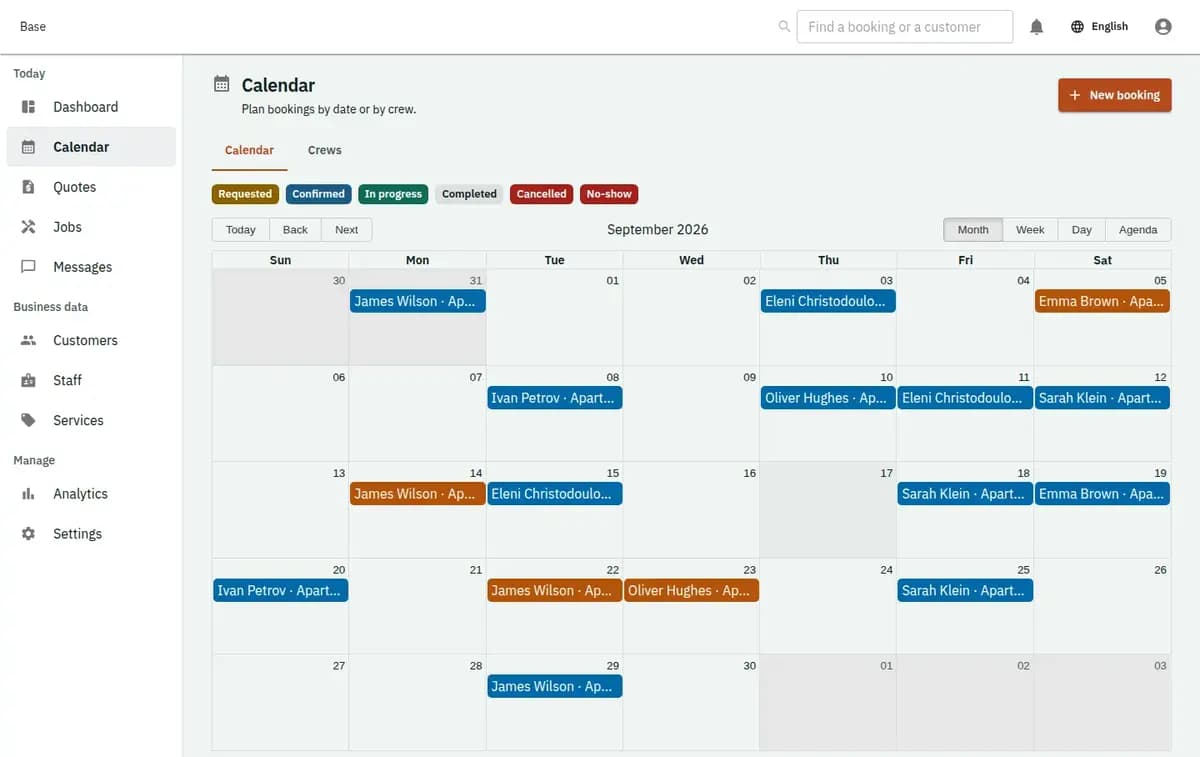
Base plumbing and air-conditioning calendar with call-outs, servicing visits, quotes, technicians and vans
A real console. The records in it are invented.

Who this plumbing and HVAC software fits

It fits a sole-trader plumber with one van, a small air-conditioning installer with two or three people, or a mixed team that handles leaks, blocked drains, water heaters, solar water systems, split-unit installations and annual A/C servicing across a district. It works when the office, often just the owner’s phone, takes the calls, decides what is urgent, quotes the larger jobs and sends the right person. It supports customer sites and units, quote versions, accepted jobs, technician skills and certificates, service vans and tools, arrival windows, part-usage lines, completion photographs, finite service-contract plans and linked return visits.

Plumber scheduling software by time window

Five steps from the first call to the closed job. The window in step four is what the customer hears.

  1. 1. Take the request with the site and the unit

    Staff, or the customer through your booking page or the widget on your own site, record the address, how to get in, what is wrong and which unit or fixture is affected. Requests can arrive in English, Greek or Russian. An address outside your area, or a job you do not do, stays a request for somebody to decide on rather than becoming a booking.

  2. 2. Decide: call-out, service visit or quote first

    A blocked drain or a dripping water heater can go straight to a call-out with a standard labour line. An installation, a bathroom refit or a new system goes to a site survey and a quote. A servicing customer joins the season plan. The decision belongs to your staff, not to a web form.

  3. 3. Quote and get acceptance where it is needed

    The quote lists labour, expected parts, the call-out fee and what is excluded. The customer accepts one specific version. Only an accepted version opens the job; a revised price becomes a new version or a change order, and the earlier one stays visible.

  4. 4. Give an arrival window the day can keep

    Dispatch picks a technician with the right skill and certificate, plus the van or tools the job needs. Base checks working hours, existing jobs and the travel time you configured for all of them together. If any part conflicts, nobody is half-assigned and the job stays in the queue. The customer is told a window, such as between ten and twelve, and receives the confirmation by email or Telegram.

  5. 5. Close on site and plan what comes next

    The technician records arrival, the work done, parts used and photographs. If required evidence is missing, the job cannot be marked complete. A return for a part that had to be ordered, or a warranty callback, is a linked visit on the same job rather than a fresh appointment that has forgotten the first one.

Where small plumbing teams lose time

Small teams lose time in four predictable places, and none of them is the repair itself.

An emergency call lands on a full day

A burst pipe at ten in the morning does not care that the diary is already booked. Squeezed in from memory, it pushes every later customer back and nobody tells them. Entered as a request, it can be checked against who is actually free, which van is available and how long the drive takes, and given the earliest window the day can really hold.

Every A/C customer wants servicing in the same three weeks

In late spring the phone fills with requests to clean filters, check refrigerant and service split units before the heat. Booked loosely, the season turns into a backlog with no dates. Spread across a plan of real visits, each customer knows their window and the team can see which days are already full before agreeing to another block of flats.

The installation price changes after the survey

A customer asks for two units and a price over the phone. The survey finds a longer pipe run, a different bracket and an extra wall core. If the first figure is simply overwritten, the installer and the customer remember different agreements. A new quote version that the customer accepts keeps both on record.

Parts, photos and serial numbers live in chats

Which valve was fitted, the model of the outdoor unit, the photo of the pressure gauge: all of it sits in message threads and one technician’s gallery. When the same customer rings next summer, nobody can find it. On the job record it is there for the next visit and for any warranty question.

HVAC software for installs and seasonal servicing

Four things the model holds for you, from a single split unit to a contract covering a whole building.

Service contracts become a finite list of real visits

An annual or twice-yearly servicing agreement produces planned visits only up to a horizon you set, each with its own date, technician and status. Changing the frequency creates a new plan version for future visits without rewriting the ones already done. Base does not bill the contract automatically; you invoice and collect as you do now and can record the payment.

Technician, skill, certificate and van checked together

An A/C installation may need two people, a qualified installer and a van carrying the vacuum pump. All of them are reserved in one step or none is. A certificate with an expiry date can be recorded against the technician, so an expired one is visible before the job is assigned.

Every unit keeps its own history

A villa may have four indoor units, a heat pump and a water heater. Each can be recorded as a customer asset on the site, with model and serial reference only where useful. Servicing, repairs and parts build up on the right unit, so next spring’s technician knows what was found last spring.

Calendars and customers stay in step

Each technician’s schedule syncs both ways with Google or Microsoft calendars, so a personal block in a phone calendar is respected. Customers can see their upcoming visits in a customer portal without creating an account, and the schedule can be exported to a spreadsheet whenever you need it.

Emergencies, seasons, installs and a refusal

An emergency, a season, an installation and a refusal, all on the same rules.

A burst pipe on a fully booked Tuesday

A customer in Larnaca calls about water coming through the ceiling. The day is full, but one plumber finishes early in the next district. Dispatch enters the call-out and Base shows the earliest window that fits around confirmed jobs with travel counted. If it only fits by moving another customer, that is a staff decision made with the affected job in view, not a silent overlap.

Pre-summer servicing for a block of flats

A management company asks for every unit in twenty flats to be serviced. The office creates a service contract with visits in April and again in October. Base generates the visits for the season, the team is assigned day by day, and any date with no qualified technician free shows up as unassigned rather than quietly double-booked.

A two-room installation that needs a survey

The customer wants air conditioning in two bedrooms. A survey visit comes first; the installer records the pipe route and takes photos, and a quote with labour, units, brackets and extras goes out. The customer accepts the second version. The job opens from it, and the installation day reserves two technicians and the van together.

The only certified installer is already out

A heat-pump job needs a technician holding a specific certificate. Another plumber is free but not qualified for it. Base refuses the assignment and the job stays in the queue, so the customer is offered a window when the right person is free instead of a visit that ends in a second trip.

Quotes, parts and completion records

The job record is what you rely on when a customer questions a bill or a unit fails under warranty.

Quote versions keep their history

Each version, the acceptance, any change order and the person who made it are kept with the time. When an installation turned out to need more copper pipe, the record shows what was agreed before and after, not only the final number.

Parts used are noted on the job

The technician notes which part went in, against the quote line where there is one. That gives you the material list for your invoice and for the next visit. It is a record of use, not a stock count, so the shelves in the van are still yours to manage.

Photos and readings as completion evidence

Before-and-after photographs, a gauge reading or the customer’s acknowledgement can be required before a job closes. If a required upload fails, the job stays open, so an unfinished record cannot pass for a finished one.

Customer access details stay restricted

Gate codes, key locations and notes about who is at home are sensitive. Keep only what the visit needs, limit who on the team can see it and remove it once it is no longer needed. Technicians see their own jobs, not the whole customer list.

Job types and honest durations to list first

List your job types with honest durations: a standard call-out, a drain clearance, a water-heater replacement, a split-unit service, a survey and an installation day. Add labour, call-out and common part lines for quotes. Enter each technician with real working hours, skills and any certificate with its expiry, plus the vans or tools that genuinely limit what can be done at once. Set the area you cover and realistic travel time between districts. Decide your window widths for call-outs and for planned work, what counts as an emergency and what happens when nobody is home. Write your quote, cancellation and warranty terms in your own words, switch on email or Telegram notifications and choose a plan: Free at €0 for 2 staff accounts, then Standard at €19 or Pro at €39 a month per business, with no commission on jobs. Before the A/C season starts, create the service contracts and check the generated visits for gaps.

What this plumbing software does not do

Part of what a plumbing or HVAC business needs lives in other systems, and it is worth knowing that before you start.

When you need another system as well

Base is not a parts warehouse, a purchasing system, an accounting package or a vehicle tracker. It does not count stock on the van, order from suppliers, diagnose a fault from a description or decide whether a technician is legally certified for refrigerant or gas work. Customers pay you directly; Base records payments and deposits made elsewhere and does not take card payments.

No stock control or purchasing

Base records the parts used on a job. It does not count stock in vans or a store room, reorder from suppliers, track refrigerant quantities or manage purchasing. If you need that, keep a separate inventory tool alongside it.

No card payments or automatic contract billing

Customers pay you by bank transfer, card terminal or cash, outside Base. You can record payments and deposits once they have happened. Service contracts are not billed automatically, and there is no invoicing, accounting or payroll.

No live tracking, routing or SMS

Base does not follow vans by GPS, read traffic or optimise a route. Travel time is the figure you configure. Notifications go by email or Telegram; there are no SMS messages.

No diagnosis and no certification decisions

Base does not work out the fault from a customer’s description, and it does not decide which certificate or licence a job legally requires. Your staff set the skill rules and remain responsible for who is sent.

No lead marketplace

Base does not sell leads or list you against other plumbers. Customers reach you through your own booking page, the widget on your website, the phone and your messages.

Plumbing software questions

What does Base cost for a small plumbing or A/C team?

The Free plan is €0 and covers 2 staff accounts and 5 bookable items, such as vans or tools. Standard costs €19 and Pro €39 a month per business. There is no commission on jobs, and customers pay you directly.

Can Base handle emergency call-outs?

Yes, as requests that staff turn into a call-out with the earliest window that fits around confirmed jobs and travel. Base does not dispatch on its own or send SMS; the team is notified by email or Telegram and sees the job in synced Google or Microsoft calendars.

Does it work as HVAC software for seasonal servicing?

Yes. A service contract creates a finite plan of visits, for example before summer and again in autumn, and each visit is assigned and closed on its own. Days with no qualified technician free show as unassigned.

Can customers book a plumber online?

They can send a request or book an offered service through your booking page in English, Greek or Russian, or through the widget on your own website. Jobs that need a survey or a quote stay requests until staff review them. As plumber scheduling software, Base then gives the visit a window your team can keep.

Do installations need an accepted quote?

Where you set it up that way, yes. The job opens from the accepted version, and a change after the survey becomes a new version or a change order the customer approves.

Does Base manage parts stock?

No. Parts used are recorded on each job and quote line, but stock levels, supplier orders and refrigerant tracking stay in your own system.

Does Base take payments from customers?

No. Base does not take card payments. You collect money as you do today and can record payments and deposits in Base for reference.

Next step

Open a workspace and set up one booking flow

Registration takes an email address. The operating model, services and resources are configured afterwards, in the console.