Appointment booking

Client booking system for consultants, coaches and advisers

  • Three client promises the calendar keeps
  • Preparation and write-up are part of the booking
  • One timezone, written down

No card asked for · nothing taken from a booking · your data exports

Operating model
Appointment booking
What is booked
Service → Staff → Time
Getting started
Timezone, hours and session types to set first

An hour with a client is rarely an hour of work. There are twenty minutes of reading beforehand and fifteen of writing afterwards, the client is often in another country, and the first conversation is a free intake call that has nothing in common with a paid session except its shape. Base books the whole hour and a half, states the timezone on every confirmation instead of leaving it to be guessed, and only asks for a room when somebody is actually walking into one.

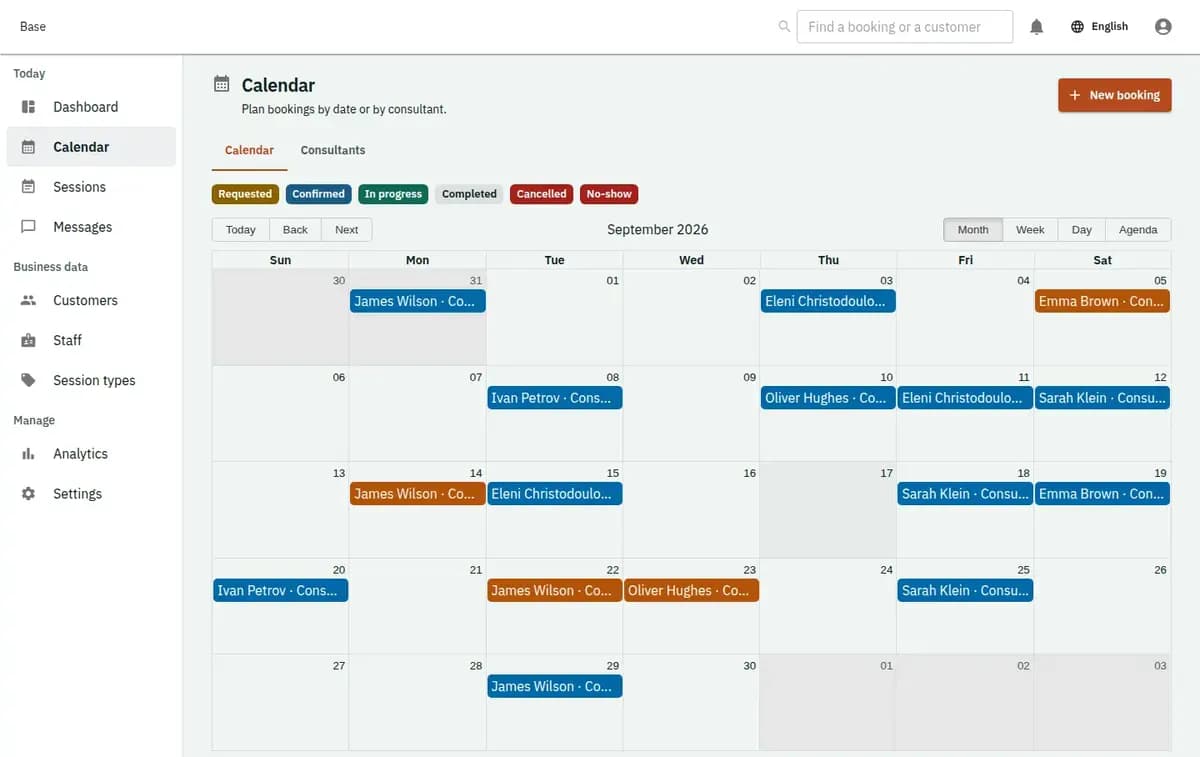
Base calendar showing consulting sessions with preparation and write-up time and a stated timezone
A real console. The records in it are invented.

Who this consultant scheduling software fits

It fits an independent consultant, a coaching practice, a small advisory or professional firm selling bounded sessions rather than projects: an hour of strategy, a legal or tax consultation, a career session, a second opinion. It is useful when most sessions run online, when clients sit in several countries, when a free intake call comes before anything paid, when preparation before a session is real work, and when the calendar has to be readable by whoever answers the phone rather than only by the consultant.

Coaching scheduling software from intake to write-up

Four steps, and the third is the one most practices skip.

  1. 1. Enter consultants and their real working hours

    Each consultant goes in with the hours they take clients — which is rarely the hours they work — plus their days off, their holidays and how much notice they need before a session. Rooms are entered only where in-person sessions actually happen, so an online-only practice never sees them.

  2. 2. Describe each session type by its full shape

    A discovery call, a standard session, a long strategy session, a follow-up. Each carries its own duration, its own preparation time before and write-up time after, and whether it is delivered online or in a room. That shape is what the calendar protects.

  3. 3. Keep the intake call separate from the paid work

    Give it its own duration and its own window in the week, so it does not eat the hours reserved for paid sessions. Because it is a session in its own right, the practice can see how many intake calls were held and how many became something — instead of remembering it as a feeling.

  4. 4. Confirm, deliver and record how it ended

    Every session ends as held, cancelled in time, cancelled late or a no-show, and that outcome is recorded against the booking with the notice rule that applied. For an online session, the meeting link from your own provider is attached to the booking so the client has one place to look.

Why a consulting hour breaks an ordinary calendar

Four things go wrong, and none of them are about finding a free slot.

An hour of consulting is not an hour of your day

There is reading before it and writing after it, and both are the work. A calendar that sells sixty minutes and nothing else produces a day of back-to-back sessions with no time to prepare for any of them — which is felt by the client in the second session, not the first. Preparation and write-up belong to the booking, so the day is sold honestly.

Eleven o’clock means two different times

A client in another country reads a confirmation and applies their own clock to it. Base works in one timezone — the one the business is set to — and every published time and confirmation is written in it, so the ambiguity is removed rather than politely ignored. A missed session because two people agreed on a number without a timezone is the least necessary failure in this trade.

The free intake call is a different product

It is shorter, it has its own availability and its own cancellation rules, and it is not a discounted version of the paid session. When both live in the calendar as the same thing, a week fills with unpaid half-hours and nobody can see how many of them turned into work.

Online and in person have different constraints

An online session needs the consultant and nothing else; an in-person session needs a room, and a room is a scarce thing shared with colleagues. A calendar that demands a room for everything refuses sessions that would have been fine, and one that never asks for a room double-books the only meeting space you have.

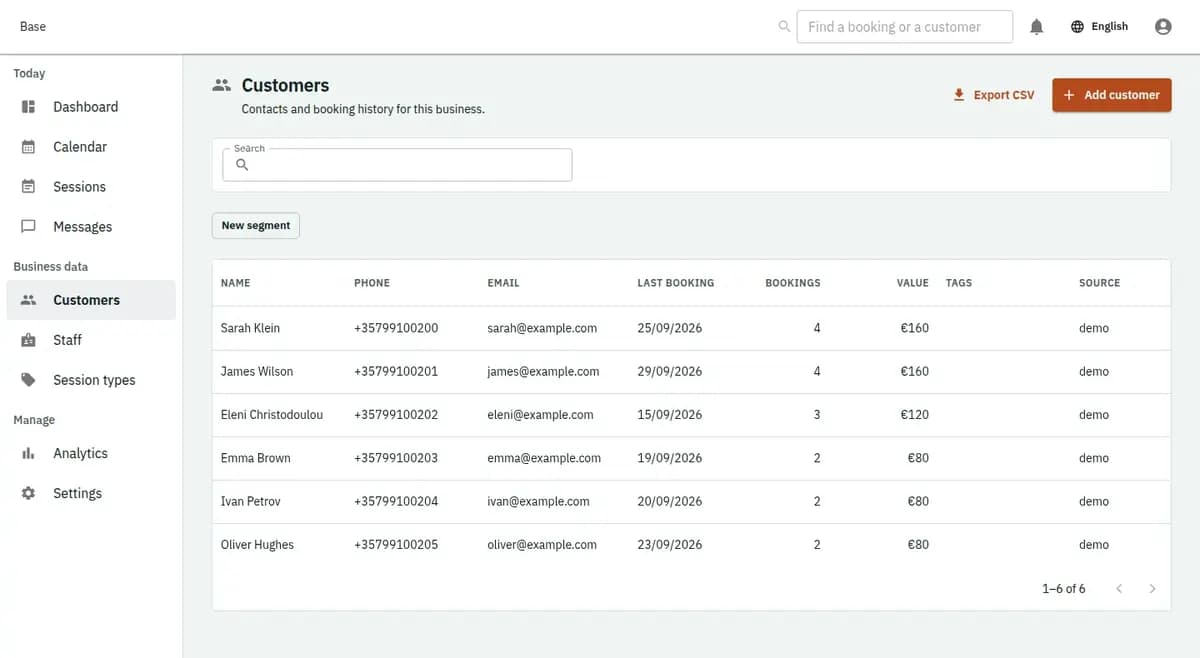
The booking console, with invented records: the customer list

Three client promises the calendar keeps

Three things, and each of them is a promise that is usually made verbally and broken quietly.

Preparation and write-up are part of the booking

A sixty-minute session with twenty minutes before and fifteen after takes ninety-five minutes of the consultant’s day, and the calendar will not sell any of it twice. Two sessions that would leave no preparation time are not both confirmed.

One timezone, written down

Every published time and every confirmation carries the timezone the business works in. Nothing is silently converted and nothing depends on where a browser thinks it is, which is exactly why a client three hours ahead still arrives at the right hour.

A room only when a room is needed

In-person sessions check the room together with the consultant and are refused when either is taken. Online sessions check the consultant alone. The same calendar handles a practice that does both without pretending they are the same thing.

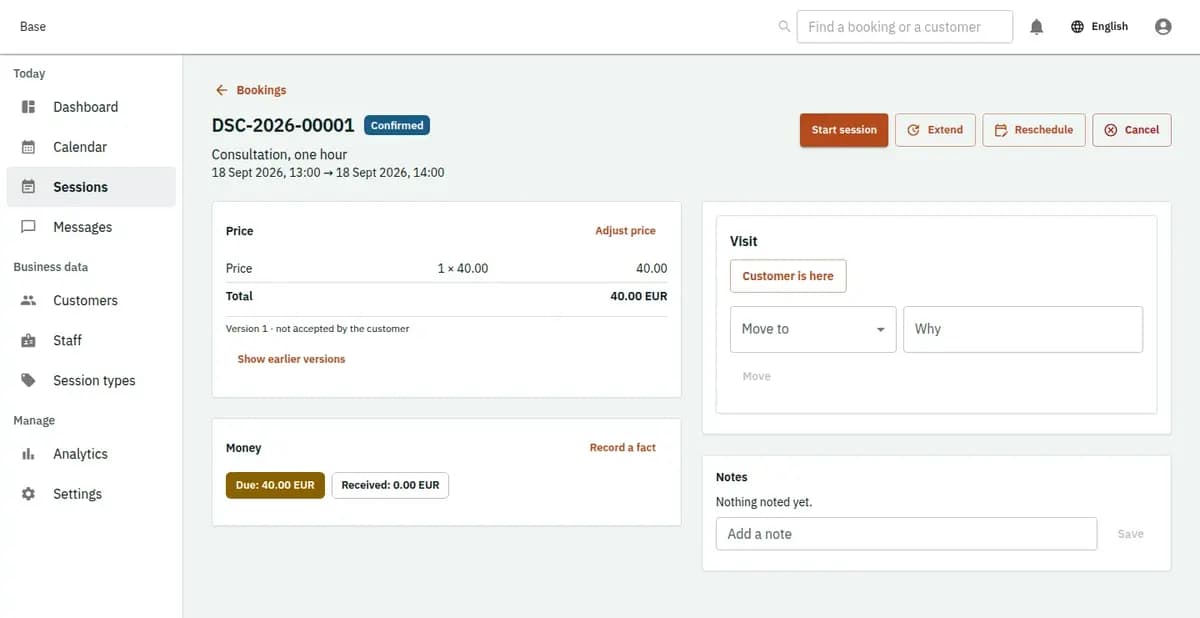
The booking console, with invented records: one booking with its price lines and history

Intake calls and clients in other timezones

The intake call that turned into work, and the client three hours ahead.

An intake call that becomes three sessions

A twenty-minute call on Tuesday, held in the window kept for intake, ends with three paid sessions booked across the next month. Each carries its preparation time, so the consultant reads before each one rather than during it. At the end of the quarter the practice can count how many intake calls it held and how many turned into sessions.

A client three hours ahead

The client books what the page shows as two in the afternoon, and the confirmation says two in the afternoon in the timezone the practice works in. Both people are looking at the same fact rather than two versions of a number, and the session happens without the email exchange that usually precedes it.

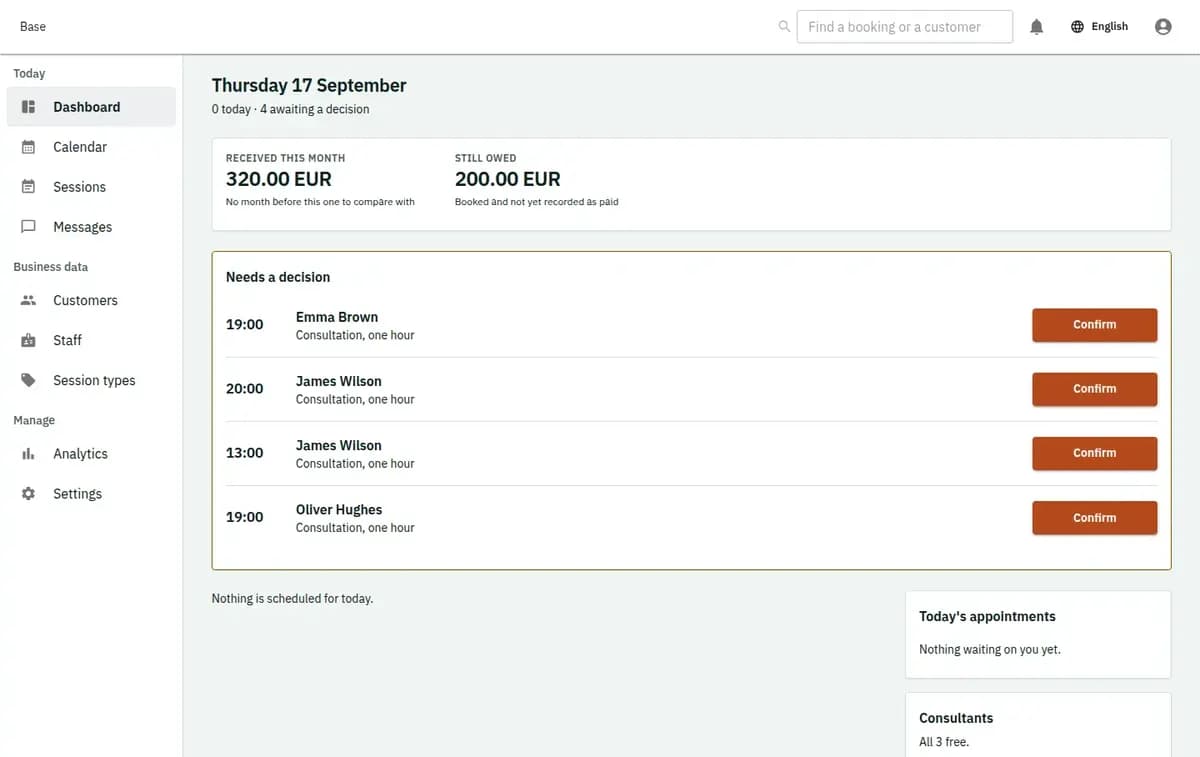
The booking console, with invented records: the day’s requests and money

Sensitive notes stay out of the booking

Consulting attracts sensitive material, and a calendar is the wrong place for it to accumulate.

Short notes by design

The booking holds contact details, the session type, the consultant, the time and a short note about what the session is for. Case material, documents a client sends, therapy or medical notes and anything privileged belong in the tools your practice chose for them, under their own retention rules and their own access control.

The meeting link is yours, not ours

Base does not host video calls and does not create meeting rooms. The link comes from the provider you already use and is attached to the booking so that the client has a single place to find it. Nothing about the call itself passes through the calendar.

Timezone, hours and session types to set first

Set the timezone the practice works in first, because everything the client sees is written in it. Enter each consultant with the hours they will actually take clients and the notice they need. List your session types with honest durations, and add the preparation and write-up time you really need rather than the amount you would like to need. Decide the length of the intake call and how much of the week it may occupy. Write your cancellation notice and what a late cancellation means. Decide who may book on a consultant’s behalf, and where the meeting link for an online session comes from. Then publish a narrow window before a wide one: it is easier to open more hours than to take them back.

Where this client booking system stops

The session is the product here; the work around it belongs elsewhere.

When a different product is needed

Base does not manage projects, milestones, deliverables or retainers, does not host video meetings or create meeting rooms, does not keep case files, therapy notes or client documents, does not invoice and does not sell hours. A session reserves real time with a real person; the work that follows lives in whatever tools your practice already runs on.

Not a project or case-management tool

Deliverables, milestones, retainers, time-and-materials tracking and client workspaces are a different kind of software. A booking says an hour was reserved, held and ended; it does not become the record of an engagement.

Not a video provider

Meetings are hosted by whatever you already use. Base stores the link you supply against the booking and shows it to the client; it does not create rooms, does not record calls and does not know whether anybody joined.

A refusal is a valid result

A consultant already booked, a session that leaves no preparation time, a room in use or a request inside the notice period stops the booking. The previous state stands, the reason is plain, and the client is offered a time that exists.

Consulting booking questions

Will booked sessions appear in my Google or Microsoft calendar?

Yes. As consultant scheduling software, Base syncs both ways with Google and Microsoft calendars, so a meeting you add there blocks the time here and every booked session, with its preparation and write-up time, appears in your own calendar. For coaching scheduling software this matters because clients only see time that is really free. Notifications go out by email or Telegram, and the booking page works in English, Greek and Russian.

Can preparation and follow-up time be booked with the session?

Yes. Each session type carries its own preparation time before and write-up time after, and the calendar reserves all of it against the consultant rather than only the client-facing hour.

How are clients in other countries handled?

Everything is published and confirmed in the timezone the practice is set to, and that timezone is written on the confirmation. Nothing is silently converted, so both sides read the same time.

Can a free intake call work differently from a paid session?

Yes. It is its own session type with its own duration, its own availability window and its own rules, which also lets you see how many intake calls you held and how many led to paid work.

Does Base provide the video meeting?

No. Use whatever you already use and attach the link to the booking, so the client has one place to look. Base does not host, create or record meetings.

Are client documents and case notes stored here?

No. The booking keeps contact details, the session, the time and a short operational note. Documents, case files and anything privileged stay in the tools your practice chose for them.

Next step

Open a workspace and set up one booking flow

Registration takes an email address. The operating model, services and resources are configured afterwards, in the console.